Beat Blader 3D

Slash rhythm-matched cubes, dodge obstacles, and keep your run alive.

Beat Blader 3D

Beat Blader 3D

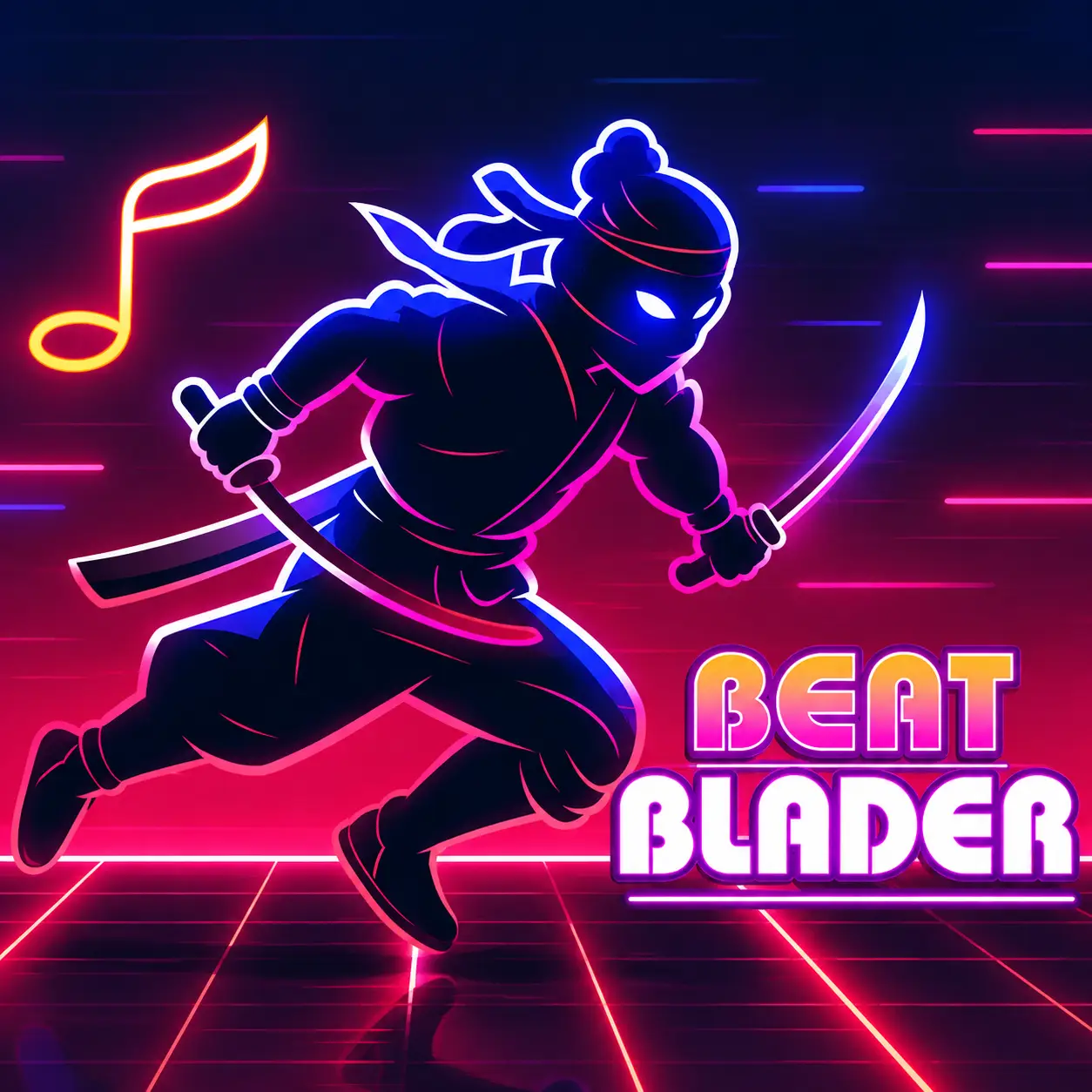
Beat Blader 3D combines a forward-running neon course with rhythm gameplay. Slash energy cubes with the music and dodge obstacles to keep your run alive.

About Beat Blader 3D

Beat Blader 3D combines a forward-running neon course with rhythm gameplay. Instead of simply moving through a platforming level, you are watching the incoming cubes, matching your blade movement to them and avoiding objects that should not be hit.

The music is therefore part of the timing system rather than just background decoration.

The most useful visual cue is the position and direction of the incoming cube. Looking only at the character means you are reacting too late; looking ahead gives you time to move into the correct lane.

Beat Blader 3D also uses progression through songs, missions and unlockable cosmetic content, giving repeated runs a purpose beyond one high score.

How to Play Beat Blader 3D

Cut through rhythm-matched energy cubes while dodging obstacles and following the incoming direction.

During gameplay:

  1. Choose a song and start the run.
  2. Move left or right to line up with incoming notes.
  3. Slash the energy cubes in the indicated direction.
  4. Dodge obstacles instead of trying to cut everything on the screen.
  5. Keep following the rhythm as the track becomes faster and more demanding.

The most useful visual cue is the position and direction of the incoming cube. Looking only at the character means you are reacting too late.

Controls

Action Control
Move / slash Touch and drag / swipe
Desktop play Mouse drag where supported
Avoid obstacles Swipe left or right

Read the Cube Before You Swipe

The most useful visual cue is the position and direction of the incoming cube. Looking only at the character means you are reacting too late; looking ahead gives you time to move into the correct lane.

Cutting the beat and avoiding an obstacle are separate decisions. A note can be tempting to hit, but if moving toward it puts the character into a hazard, the safer line is usually better.

The game becomes noticeably more demanding as the speed rises. A movement that feels comfortable at the beginning can become too large later, so shorter swipes help when the track gets crowded.

Practical Tips

  • Look at the next cube, not only the one closest to you.
  • Use short swipes when several objects arrive close together.
  • Do not chase every note if doing so sends you toward an obstacle.
  • Learn the rhythm of a song before trying to play at full speed.

Rhythm Mechanics in Beat Blader 3D

  • Neon Rhythm Course. The run is a forward-moving track where music is part of the timing system, not just background decoration.
  • Energy Cubes. Incoming cubes show the direction you need to slash to stay on beat.
  • Obstacle Avoidance. Some objects should not be hit, so moving into the correct lane can be more important than cutting everything.
  • Songs and Missions. Progression through tracks, missions and unlockable cosmetics gives repeated runs a purpose beyond one high score.

Related Games

Frequently Asked Questions

What do you do in Beat Blader 3D?

Move through a neon course, slash rhythm-matched cubes and avoid obstacles.

How do you control the character?

The mobile version uses touch and swipe controls to move and slash.

Why are the cubes important?

They are the rhythm targets you need to hit while moving through the course.

Does the game get harder?

Yes. Faster sections and more demanding patterns require quicker movement and better timing.

Rate Beat Blader 3D

4.8 2,114,052 votes